Google Maps on Mobile: What Customers See Before They Call
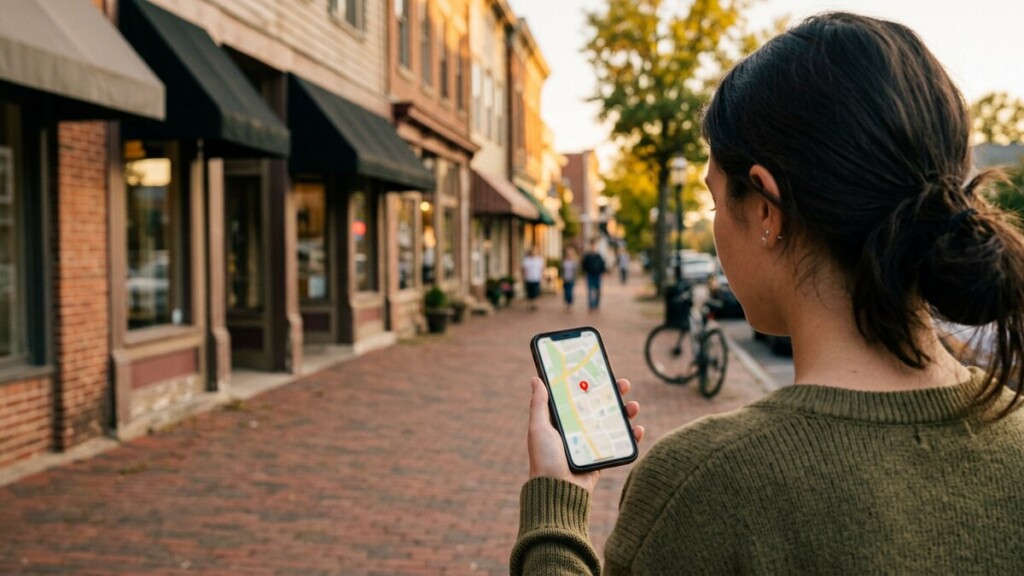
Most local searches now happen on a phone, and most of them never reach your website. They stop at the map. What a caller sees there, before they decide, is mostly things you can control, and much of it is free.
What appears on a phone
- Your name, distance and rating. On a small screen, the star rating and the number of reviews are often the only differences a person notices between two similar businesses.
- Your opening hours. If your hours are wrong, you lose the calls that matter most, and a frustrated caller may say so in a review.
- A call button and a directions button. Both are counted as engagement, and both are worth more to you than a website click.
- Photos. Google shows a handful. If you have uploaded none, it shows whatever a customer took, which may be a blurry shot of your side door.
- Your description and services. The first line is what shows before anyone taps to read more.
- Questions and answers. Other people answer these. Sometimes wrongly.
What to fix this week
- Claim or confirm your Business Profile, and check the address, hours and phone number are exactly right.
- Write the description as if a stranger were reading it on a phone, with the service area and the main service in the first sentence.
- Add six to ten clear photos of the work, the team and the outside of the building.
- Add your services with short descriptions so the profile matches what people search for.
- Turn on messaging if you will answer it, and only if you will answer it.
Keep it alive
A profile that has not been touched in a year looks abandoned. A short update once a month and a handful of new photos a season is enough. Answer every review, including the poor ones, in a few calm sentences: prospective callers read the replies more carefully than the reviews.
On a phone, the map result is your front page. Treat it that way and the website gets the calls that survive.