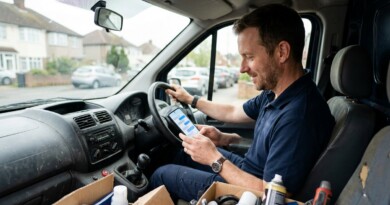
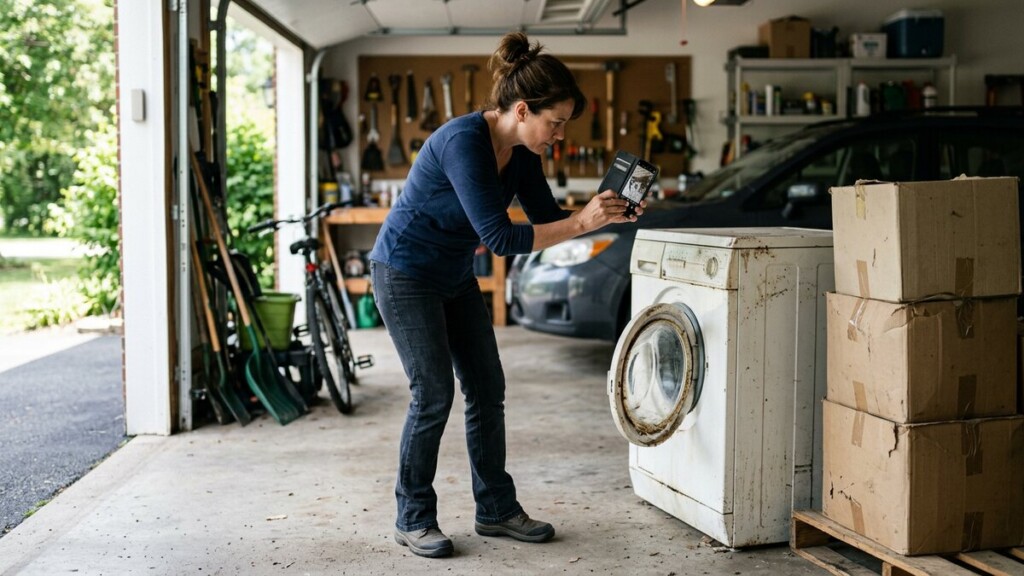
Text-to-Quote: Let Customers Send a Photo and Get a Price
A photo changes an enquiry. When a customer can show you the job instead of describing it, you can give a real number instead of a range, and they stop imagining that you will be more expensive than the competition.
How it works
The mechanism is unglamorous and simple: a phone number customers can text, a form that accepts an attachment, or a WhatsApp link. The customer sends a picture of the driveway, the roof, the room or the broken part. You reply with a price or a shortlist of prices, usually the same day.
Set expectations in the wording: what you need a photo of, what the quote covers, and when they will hear back. That last line matters more than anything else in the message.
Where to put the invitation
- On your quote page, as the main call to action rather than a second option.
- In a text link button on your site, which opens the customer’s messaging app with your number already filled in.
- On a QR code on the vehicle, the flyer or the invoice.
- In your Google Business Profile messages, if you have them switched on.
Make the reply fast and human
A photo quote works because it is quick. If it takes three days, the customer has booked somebody else. Two things protect the speed:
- Template replies for the common jobs, edited for the photo in front of you rather than sent unchanged.
- An honest line for what a photo cannot show. “From this angle the roof looks like a simple patch, but I would confirm once I am on the ladder” is more trustworthy than a false certainty.
Keep the photos
With permission, a customer photo becomes a before shot, a case study and a post. Ask once, plainly, and save the good ones. Over a season you have a library of real jobs that no stock photograph can match.
Text-to-quote suits any trade where the job varies: cleaning, landscaping, roofing, paving, clearance, moving, painting. If your customers can point a camera at the problem, they will prefer to.