QR Codes for Small Businesses: Practical Ways to Use Them
A QR code is a printed link. It asks nothing of the customer except a phone camera and two seconds, and it works on every phone made in the last decade. That is why they have quietly become one of the most useful tools available to a business with no advertising budget.
Ways worth using
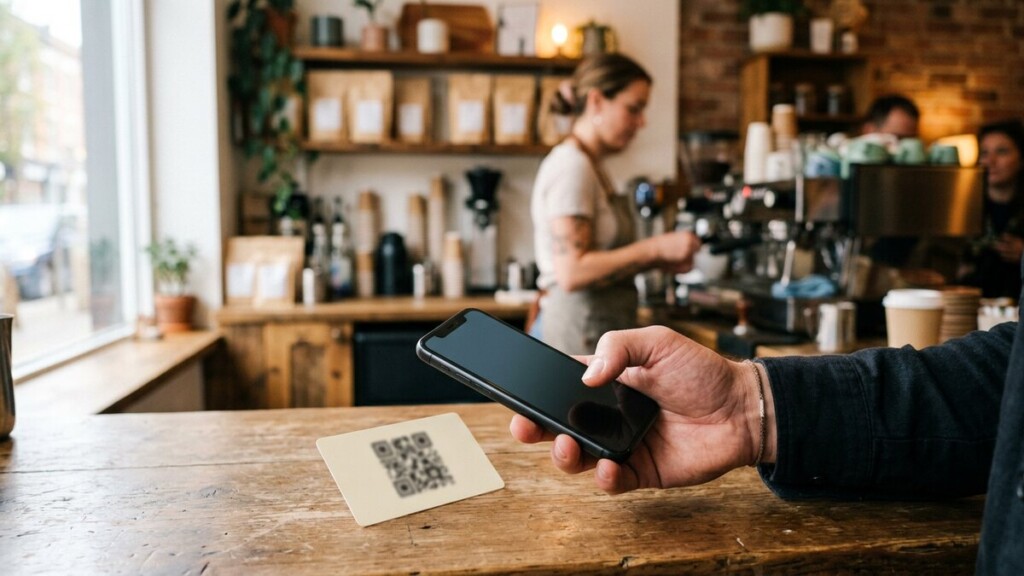
- Link to your Google reviews page. A code on the counter or the invoice that opens straight to a review form is the highest-value use of a QR code for most local businesses. Nothing beats asking at the moment of a good result.
- Put a menu, price list or catalogue online. Print the code, not the prices. Update the page whenever you like and the printed code still works.
- Show a video walkthrough. A code beside a product that opens a two-minute clip of it working answers the question a customer will otherwise ask over the phone.
- Collect details at a market stall or trade show. A code that opens a short form beats a raffle entry box.
- Add your contact details to a flyer. A digital business card saves a customer typing your phone number.
Make them easy to scan
- Print them large enough. A code smaller than a coin fails at a distance.
- Keep strong contrast: a dark code on a light background, never the reverse.
- Leave a plain margin around the code.
- Test with more than one phone before you print a thousand.
- Use a dynamic code if you can, so you can change the destination after printing.
- Test the destination itself on a phone. If the page it opens is slow or asks for a download, the code is wasted.
Track whether they work
A QR code generator that reports scans tells you which placements earn. Put a different code on the counter, the window and the flyer, and you know which one a customer actually uses. Without that, you are printing decorations.
QR codes are not a trend that needs defending any more. They are an ordinary part of how a customer reaches a business, and printing one is a five-minute job.